75% Faster Inspections: Checklist Automation Playbook for Multi-Unit Rentals
Portfolio playbook for rental managers: deploy inspection checklists and photo standards, run 4 to 6 week pilots, then graduate to AI to cut inspection...
75% Faster Inspections: Checklist Automation Playbook for Multi-Unit Rentals
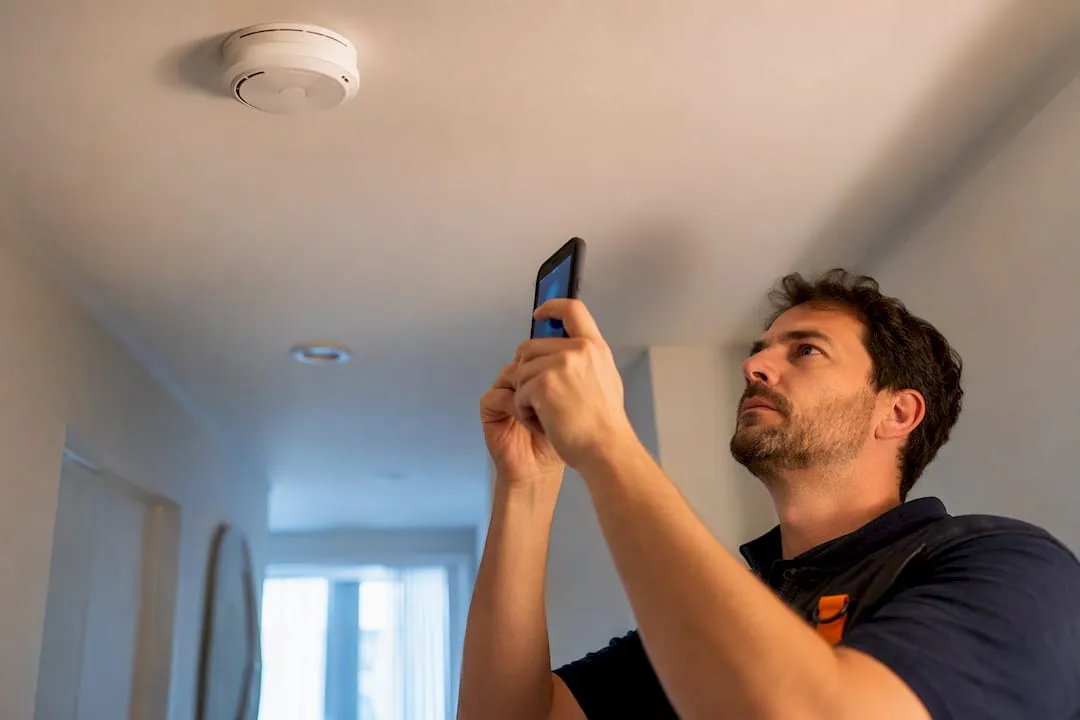
The fastest, highest-leverage move for any multi-property team is deploying digital, property-specific checklists with mandatory baseline photos at every turnover. That single change cuts manual inspection time dramatically and gives you a clear accountability trail for every cleaner and unit. Platforms like RealtevoOS build this workflow directly into your existing booking and maintenance systems, so you’re not bolting on another disconnected app.
TL;DR:
- Automating photo-based checklists can reduce inspection times by approximately 75 percent, making scale management more efficient.
- Starting with digital task scheduling and mandatory baseline photos is ideal for portfolios with 30 to 50 properties before introducing AI analysis.
- Standardizing binary pass/fail criteria and geo-tagging images ensures consistent remote reviews and improves safety and liability documentation.
- Graduating cleaners from physical inspections to photo review and establishing clear escalation protocols allows scalable quality control.
- Implementing staged pilots with core integrations and measuring key KPIs prevents disruptions and ensures successful automation adoption.
Table of Contents
- Why Automated Inspection Processes Matter for Turnovers and Maintenance
- What Should You Automate First? A Roadmap by Portfolio Size
- How Do You Design a Checklist Standard That Actually Holds Up?
- Scaling the Workflow Without Losing Quality Control
- How Do You Roll Out Inspection Automation Without Breaking Everything at Once?
- What Operators Get Wrong About Inspection Automation
- Getting RealtevoOS Running on Your Portfolio
- Sources
Why Automated Inspection Processes Matter for Turnovers and Maintenance
A physical walkthrough inspection typically eats 30 minutes or more once you count drive time between properties, and a portfolio of 40 units can turn that into a full-time job for one person. Multiply that across your cleaning team’s cadence and you’re looking at dozens of unpaid hours every week just verifying work that photos could confirm remotely.
Automation attacks this directly. Task triggers fire the moment a booking checks out, digital checklists route to the assigned cleaner, and photo verification lets a manager review the unit from a phone instead of driving across town.
The numbers back this up: automating repetitive verification work, specifically photo review replacing physical walkthroughs, can cut inspection time by roughly 75%, with some teams reporting a drop from a typical hour-long inspection to a much shorter photo review.
That’s not a marginal efficiency gain. It’s the difference between hiring another inspector and simply scaling what your current team already does.
What Should You Automate First? A Roadmap by Portfolio Size
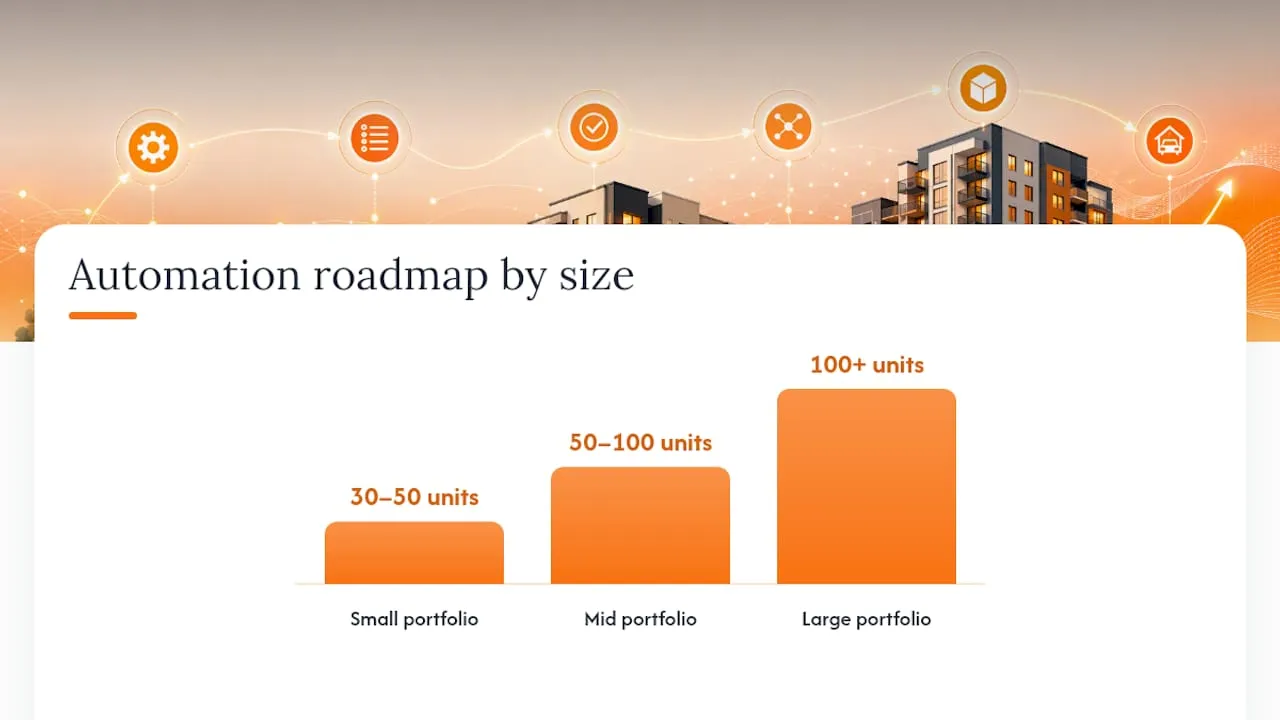
Automating everything at once is how rollouts stall. The right sequence depends entirely on how many units you manage, and operational guides on scaling quality control map it out cleanly by tier.
- 30 to 50 units: Start with automatic task scheduling tied to checkout, digital checklists replacing paper or text-message confirmations, and a mandatory photo requirement for every cleaner.
- 50 to 100 units: Layer in standardized photo sets per property and shift a portion of inspections to remote photo review instead of in-person walkthroughs, using weighted sampling for higher-risk units.
- 100+ units: Add AI-assisted photo analysis to flag likely issues before a human ever opens the photo set, plus a portfolio-wide dashboard that surfaces problem properties and underperforming cleaners at a glance.
Before committing budget to any stage, ask four questions: Which properties generate the most guest complaints? Which cleaners have the most inconsistent scores? Where is drive time consuming the most staff hours? And which failures actually cost you revenue versus a minor annoyance?
Pro Tip: Don’t skip straight to AI photo analysis because it sounds impressive. If your checklist photos aren’t standardized yet, the AI has nothing reliable to analyze against.
How Do You Design a Checklist Standard That Actually Holds Up?
Subjective checklist items are where inspection programs quietly fall apart. “Kitchen is clean” means something different to every cleaner reviewing it. Replace vague criteria with binary pass/fail items, and separate critical failures (a broken lock, no working smoke detector) from non-critical ones (a smudge on a mirror) so escalation logic can treat them differently.
Every property needs its own visual reference library, not a generic corporate SOP. A standardized set of several baseline reference photos per unit, paired with binary scoring, is what makes remote review fast and consistent instead of a guessing game.
Photo metadata matters just as much as the photo itself:
- Geo-tag every photo to confirm the cleaner was physically on-site.
- Timestamp each shot to prevent recycled images from a previous turnover.
- Require the same camera angle every time (same corner of the kitchen, same bed-making shot) so a reviewer can compare units side by side.
- Treat safety items such as smoke detectors and egress windows as always-critical, since documented safety inspection cadences reduce liability exposure.
Binary scoring also produces cleaner data for scorecards than a 1 to 5 subjective scale, where two reviewers rarely agree on what a “3” even means.
Scaling the Workflow Without Losing Quality Control
Once your checklist standard is solid, the goal shifts to reducing physical visits while keeping accountability intact. That means graduating cleaners through tiers rather than treating every inspection the same way.
- New cleaners start at 100% physical inspection until they build a track record.
- Graduate to photo-review-only status after a run of high-scoring inspections, generally after many consecutive passes.
- Reset immediately to physical inspection on any score dip, no exceptions, since a single missed critical item is what triggers guest complaints.
- Maintain rolling scorecards per cleaner so a manager can spot a slow decline before it becomes a pattern.
- Sample inspections randomly, weight sampling toward high-turnover properties, and always add day-of spot checks around holidays or peak season.
- Route any failed critical item straight into automated maintenance escalation and owner reporting, so nothing sits in a text thread waiting to be remembered.
This graduated model is what actually lets a five-person operations team manage 150 units without burning out or missing a broken lock. The alternative, treating every unit the same regardless of cleaner history, guarantees you’re either overstaffing your best performers or under-checking your riskiest properties.
How Do You Roll Out Inspection Automation Without Breaking Everything at Once?
A staged pilot beats a portfolio-wide flip every time. Here’s the sequence that holds up in practice:
- Pick 5 to 8 properties for a 4 to 6 week pilot. Choose a mix, your best-performing property, a problem child, and a couple of average units, so the pilot reflects reality instead of your easiest case.
- Set baseline KPIs before you start. Track photo compliance rate, cleaner pass rate, and current guest callback volume so you have a number to measure against later.
- Build your photo reference library first. Every pilot property needs its 8 to 12 reference shots locked in before a single cleaner is asked to match them.
- Run paired inspections during calibration. Have a manager physically inspect the same unit a cleaner just photographed, and compare results weekly to catch drift early.
- Wire up your core integrations. Connect booking triggers from your PMS so checklist tasks fire automatically on checkout, link maintenance ticketing so failed items become work orders without a manual step, and confirm owner reporting pulls from the same data.
- Watch four numbers before expanding: photo compliance rate (are cleaners actually submitting the right shots?), cleaner pass rate, reduction in guest callbacks, and average review time per unit.
- Retrain on a fixed cadence. Revisit your reference photos and checklist items quarterly, since guest complaint patterns shift and your standards should shift with them.
A broken photo habit poisons every downstream automation you try to layer on top of it.
What Operators Get Wrong About Inspection Automation
The biggest failure mode isn’t technology, it’s calibration. Teams roll out digital checklists, skip the reference photo library, and end up with cleaners submitting inconsistent angles that no reviewer can compare reliably. Photo compliance is the actual gating factor for everything downstream, including any AI review layer you eventually add.
The second trap is enforcement without teeth. A checklist that flags a failure but has no automatic escalation to maintenance just becomes a log nobody reads. Fast wins in the first month look like this: lock your reference photos, switch to binary pass/fail, and connect failed items directly to a work order system instead of a group chat.
Platforms like RealtevoOS shorten this entire runway by tying checklist triggers directly to booking events and routing failures into maintenance automation automatically, rather than asking a manager to stitch five tools together by hand.
— Jose Villeda
Getting RealtevoOS Running on Your Portfolio
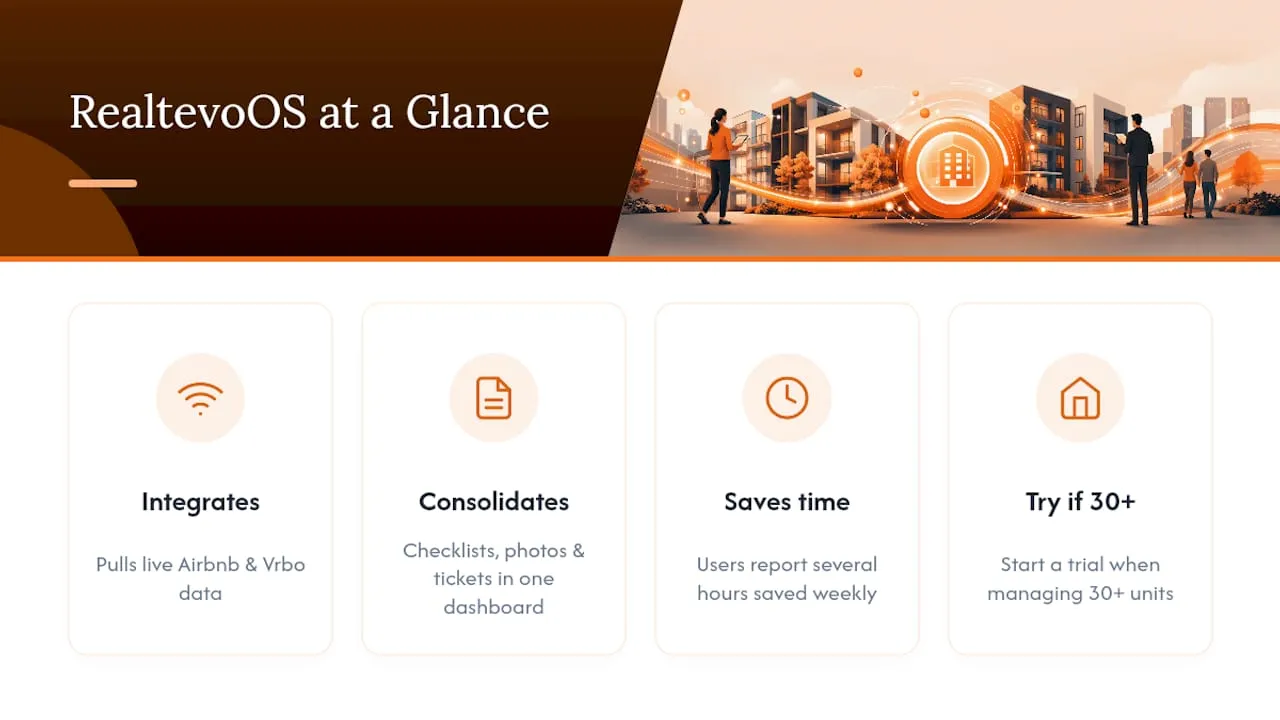
RealtevoOS is the practical shortcut through everything covered above: instead of stitching together a scheduling tool, a photo app, and a separate maintenance ticketing system, it runs checklists, booking-triggered task creation, photo baselines, and maintenance escalation from one dashboard.

Because it pulls real-time data straight from Airbnb and Vrbo, checklist tasks fire the moment a guest checks out rather than waiting on a manual trigger. Property managers using consolidated platforms like this report saving several hours a week that used to go into chasing photos and building maintenance tickets by hand. For coordinating same-day turnovers specifically, pairing RealtevoOS with a structured turnover schedule closes the gap between checkout and next check-in without a manager babysitting the timeline.
If you’re managing 30 or more units and still running inspections off text messages and spreadsheets, the fastest next step is seeing the RealtevoOS command center in action and starting a trial on your own portfolio.
Sources
For deeper operational detail behind the frameworks above, the RapidEye guide to scaling quality control covers portfolio tiering in depth, and Global Vacation Rentals’ safety checklist guide breaks down regulatory and liability considerations. Hospitality operators outside vacation rentals may also find value in Wild Foodz’s hotel check-in workflow guide, which covers adjacent housekeeping coordination challenges.
- How to Automate Vacation Rental Quality Assurance in 2026 | RapidEye